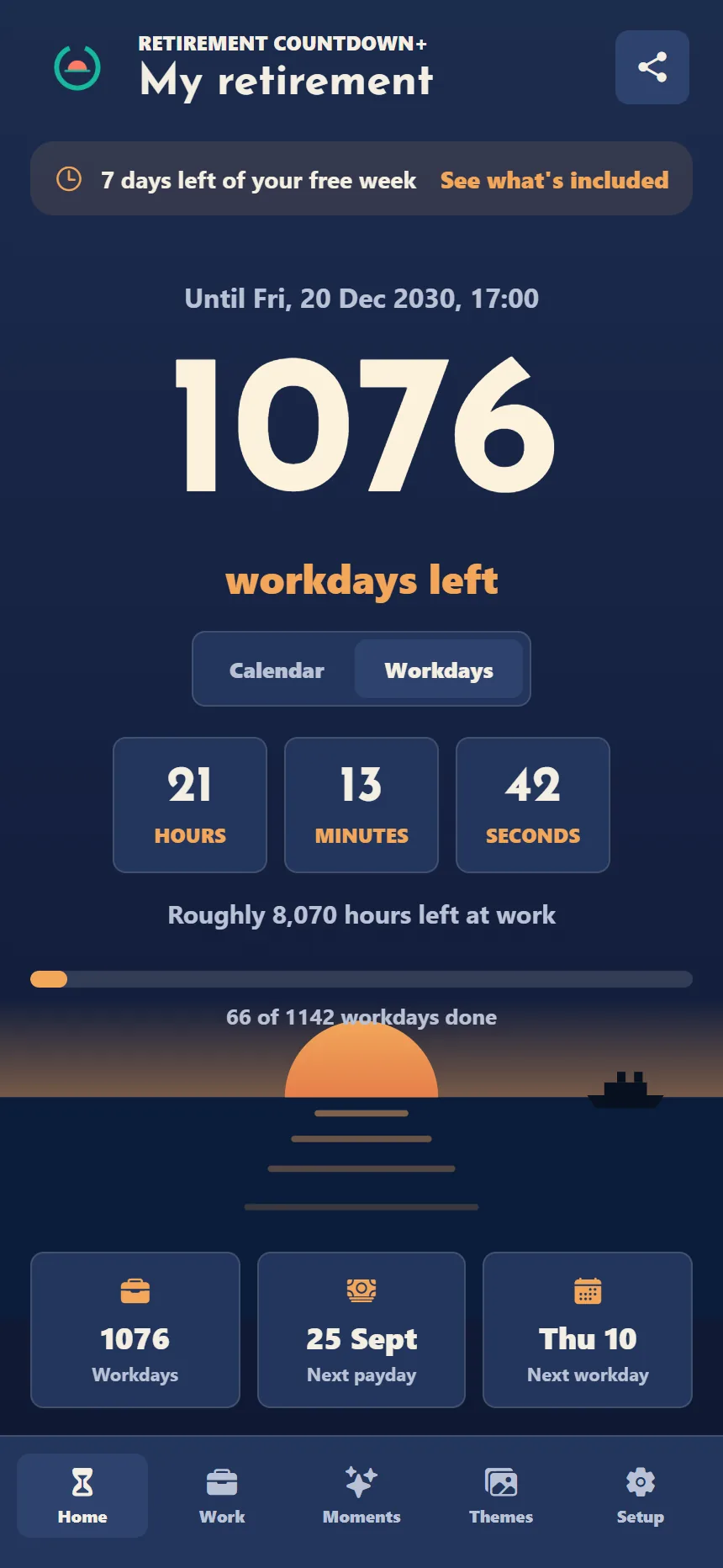
Most countdowns count every day. This one counts the days you actually work. Set your date below and see the difference, with the same maths the app uses.
Free day count forever · No ads · No account · One payment for the rest, no subscription
Until your dateLive
—
workdays left
00hours
00minutes
00seconds
—Workdays
—Public holidays off
—Days not rostered
Made for rotas and shiftsHolidays and leave taken offHours left at workSix themes, or your photoiPhone and Android
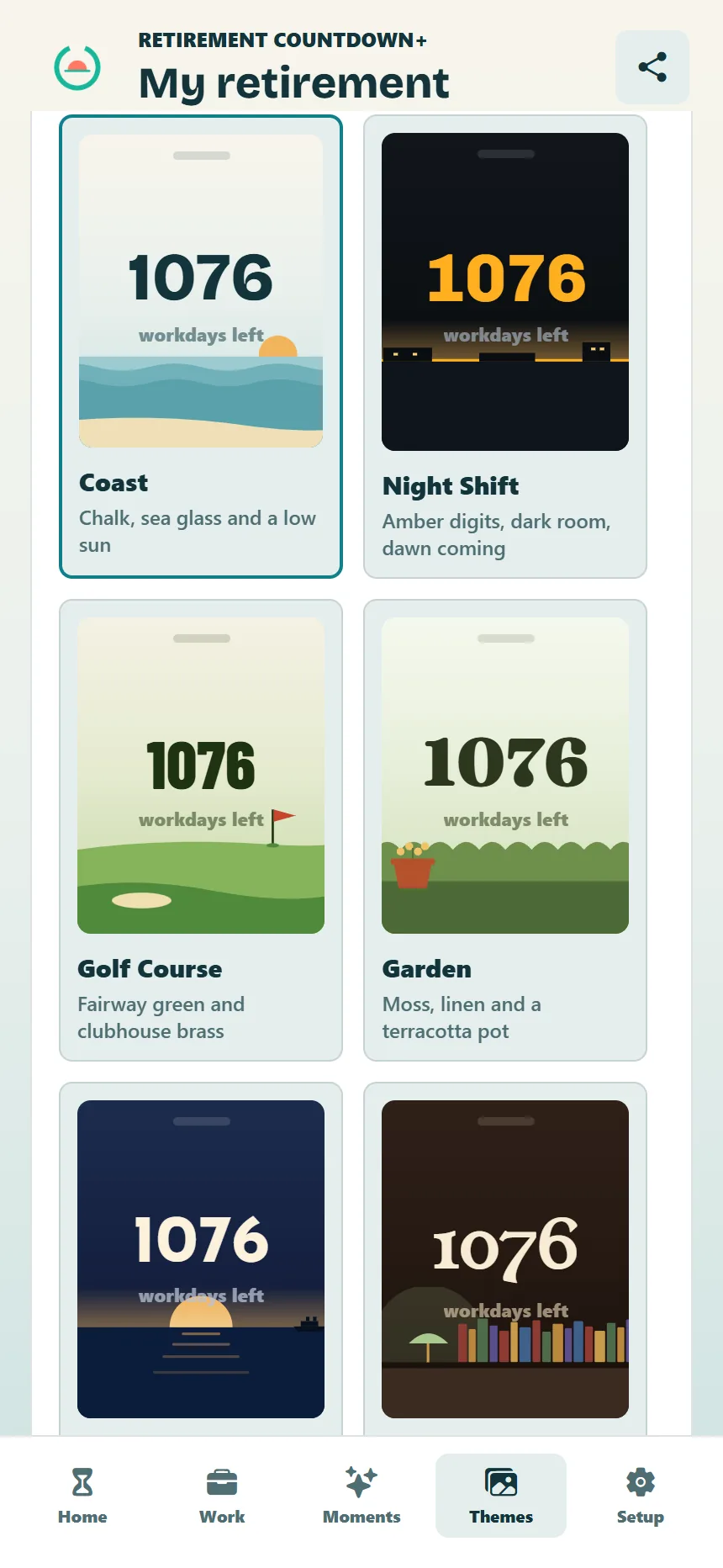
Themes
Pick a world. The page changes with it.
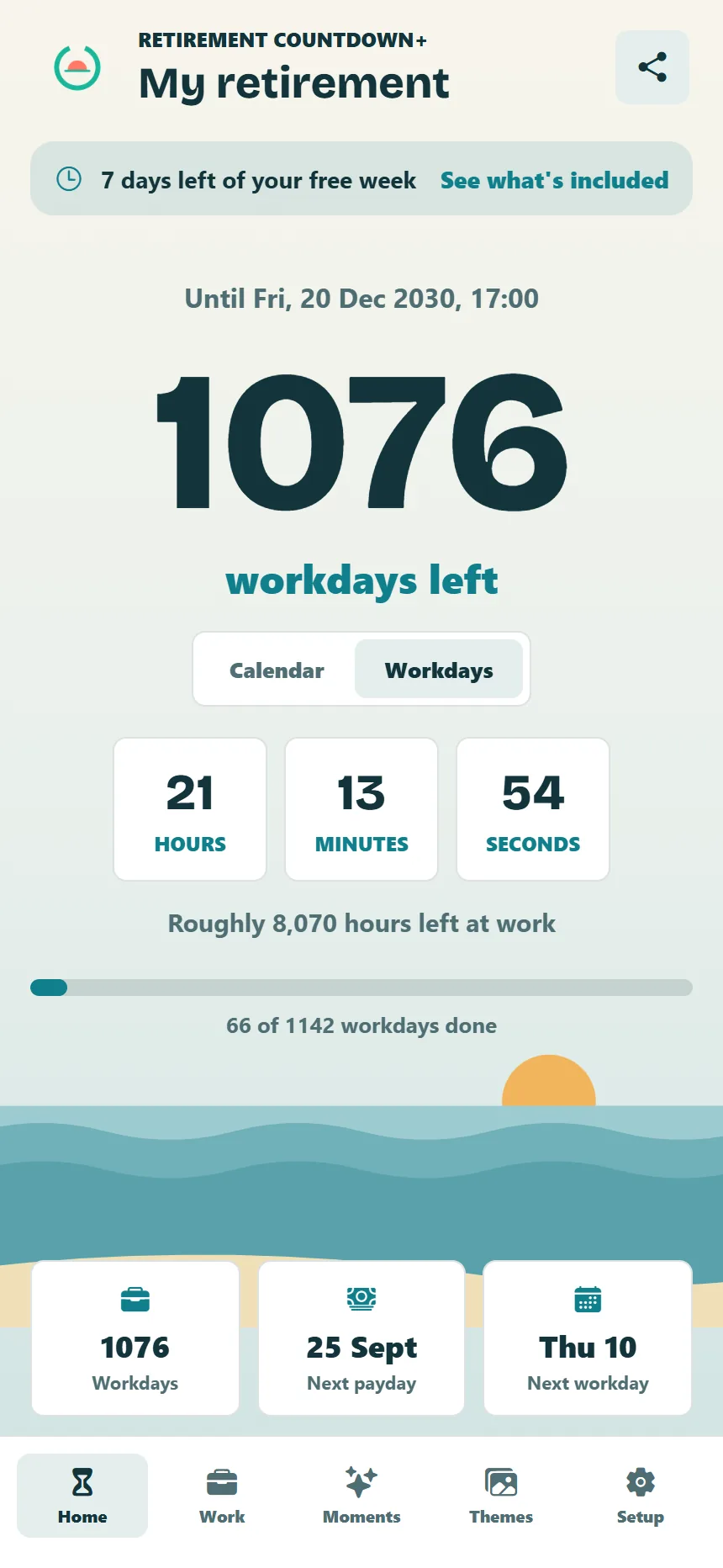
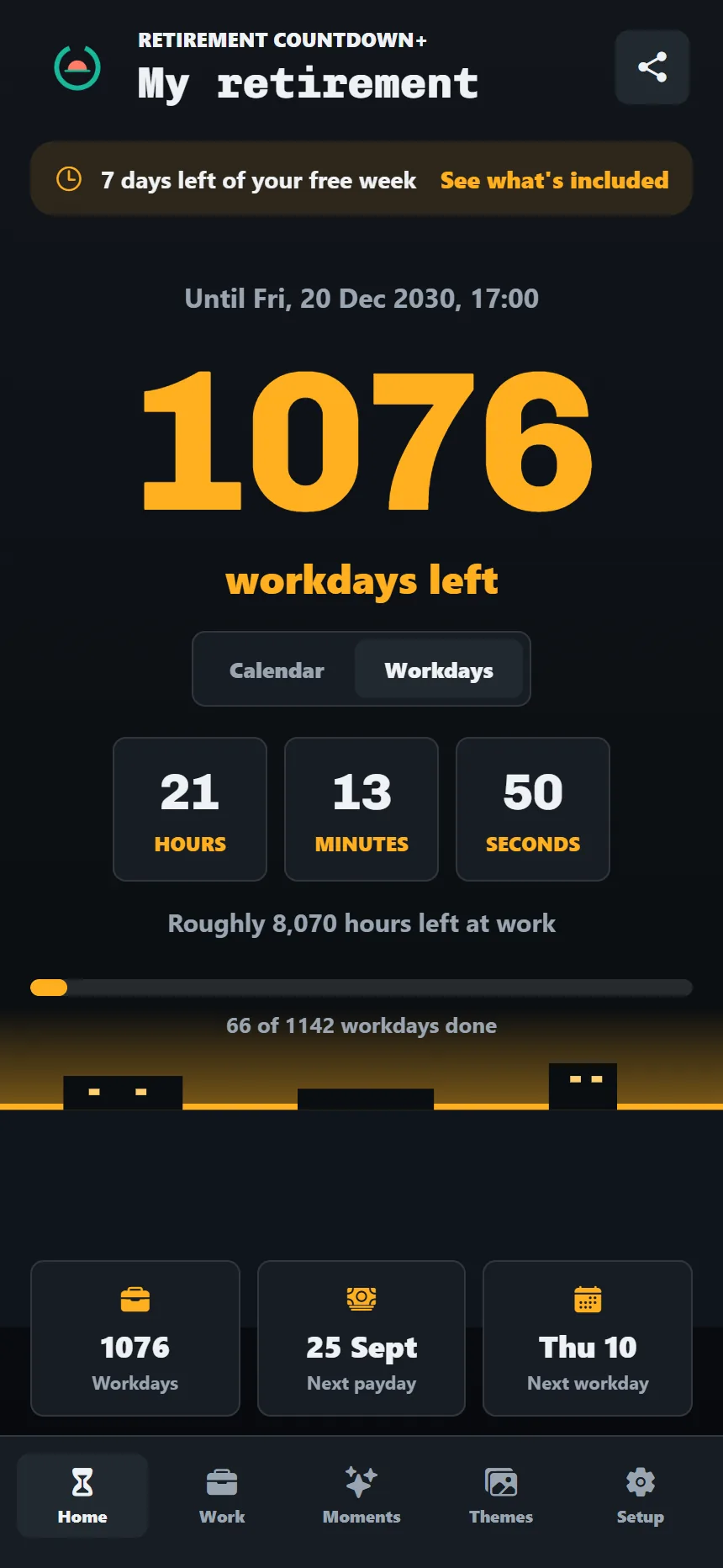
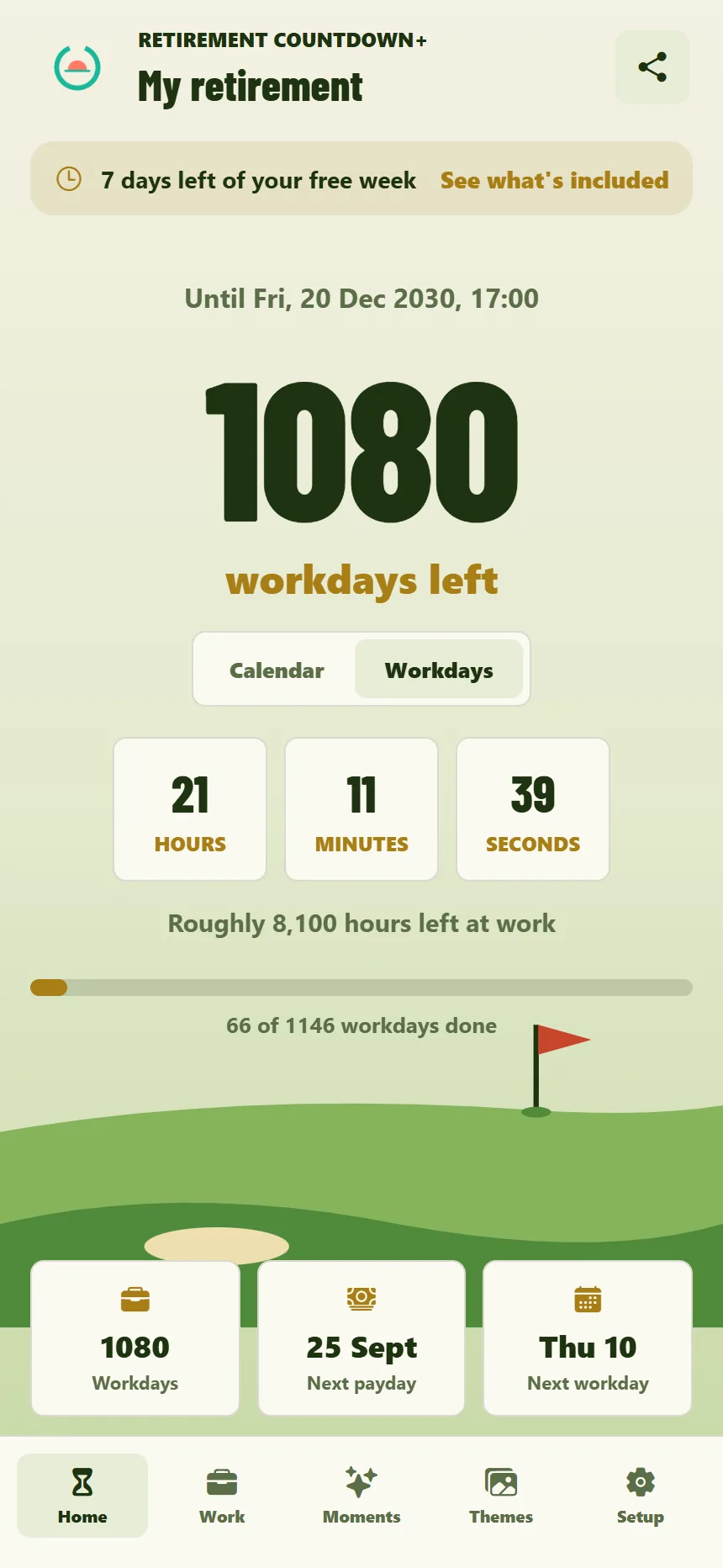
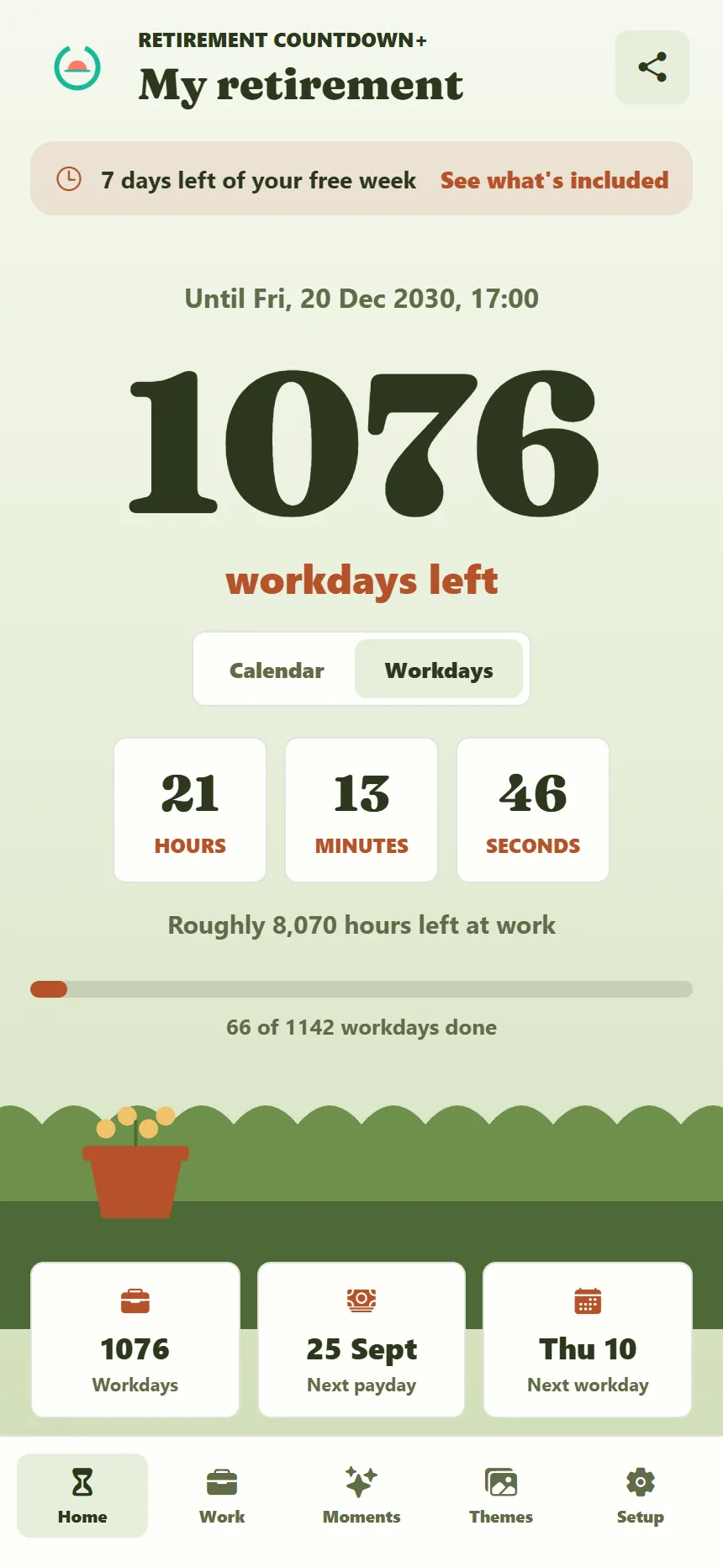
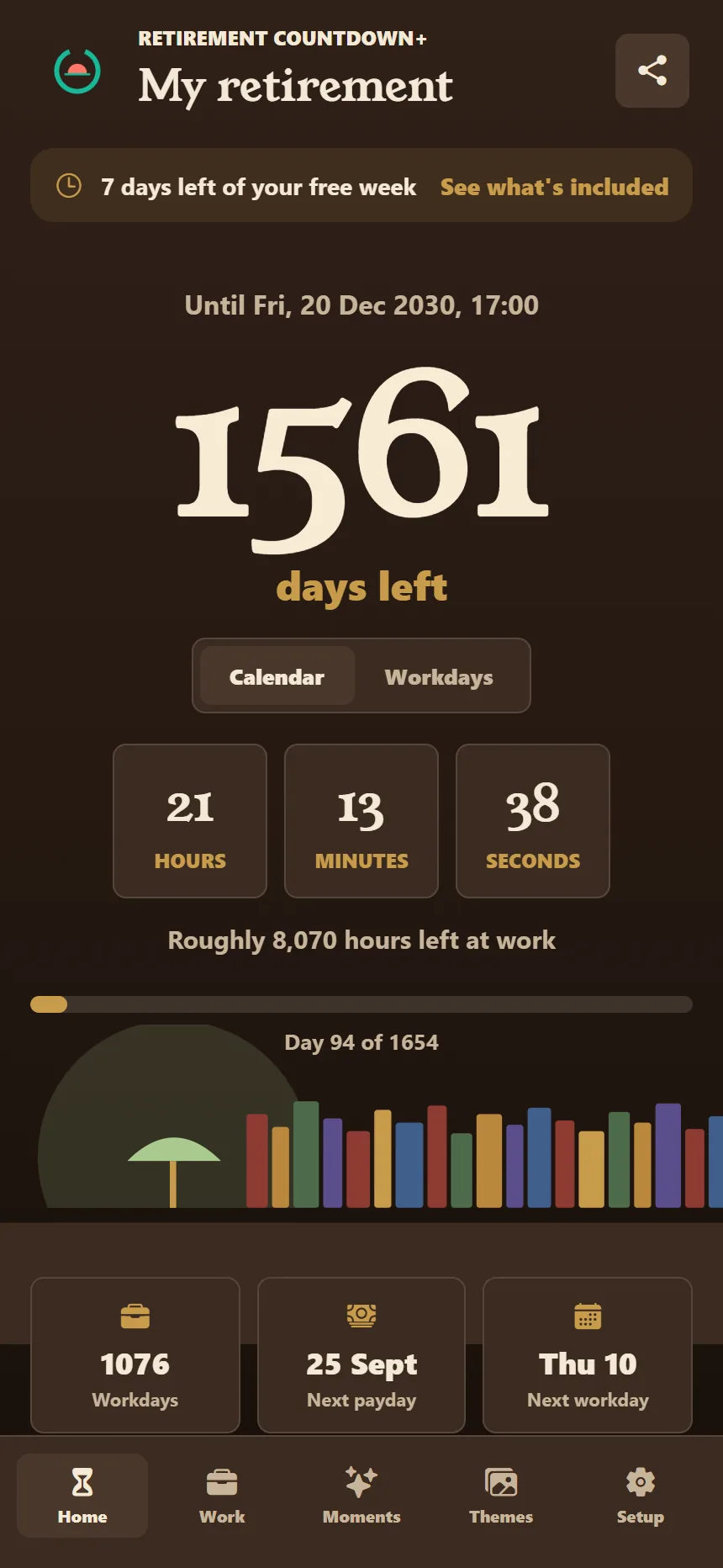
Six themes, each with its own face for the number and its own horizon underneath it. Three are dark, including Night Shift for anyone who finishes work when it is dark. Try one here and the whole site puts it on.
What it does
The number is right, and then it gives you reasons to look at it.
Workdays and rotas
A count of the days you are actually due in.
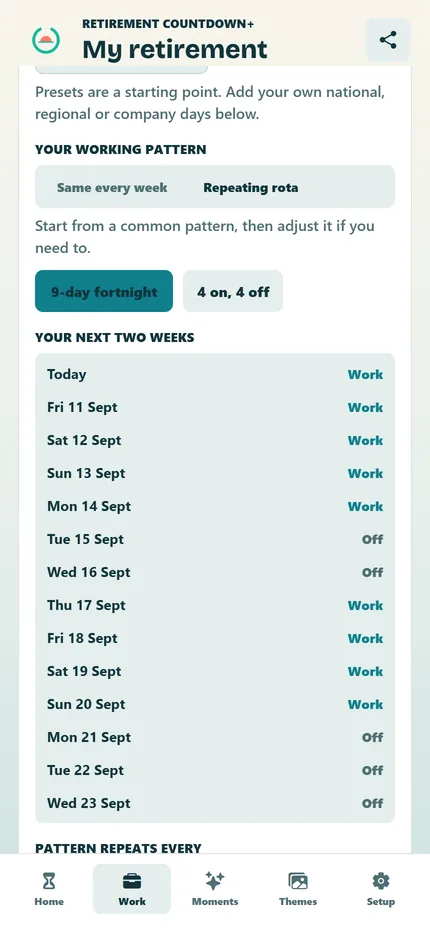
Set a working week, a part-time week or any pattern that repeats: four on four off, three on three off, a nine-day fortnight, a 9/80. The app knows which days are yours and which are not.
Rotas from 2 to 28 days, with the day the cycle starts
Public holidays worked out for every year to your date, not just this one
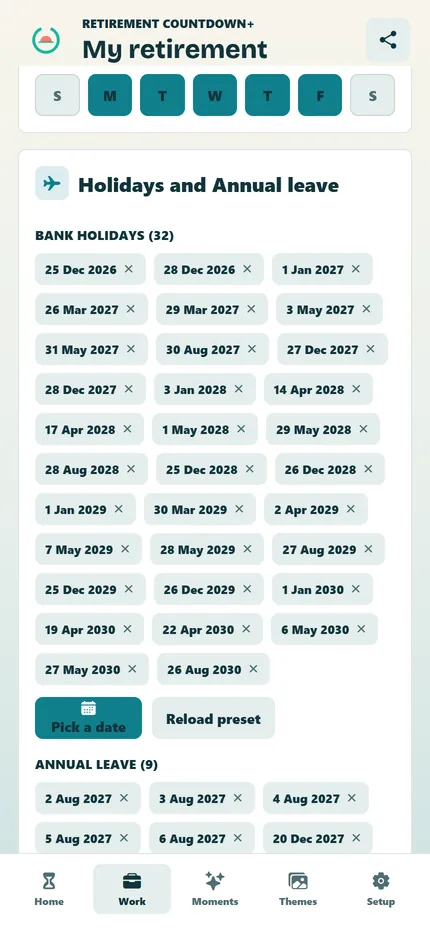
Bank holidays out. Booked leave out. What is left is the truth.
Choose your country and the public holidays are handled, including the ones that move: Easter, substitute days, observed days in the US. Then add the leave you have booked and watch the number fall.
United Kingdom, United States, Canada, Australia and Europe
Add your own days for anything local
Your last payday, your last Monday, your last working Christmas
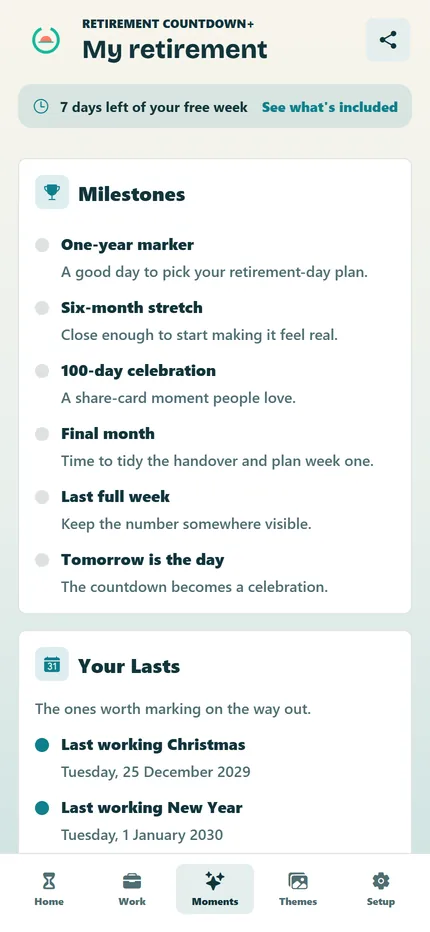
Milestones and a daily reason to open it
A quote every morning. A marker every so often.
A new line each day, some of them from the world your theme is set in, and a streak for coming back. Every milestone on the way down gets marked, from the first thousand to the last hundred.
Daily quote and a fortnight of the ones you have had
Milestones, with the next one always in view
Your lasts: the last working Christmas, the last Monday
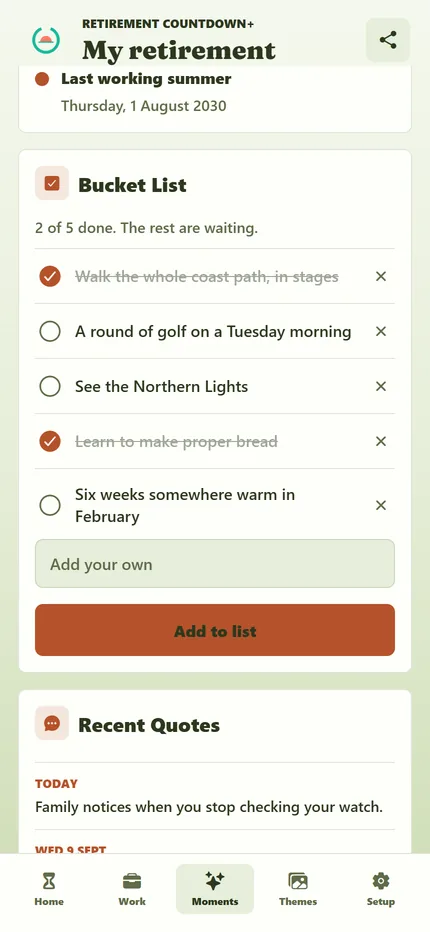
Bucket list
Keep the list of what retirement is actually for.
The trips, the Tuesday golf, the bread you keep meaning to learn. Write them down in the same place as the number and tick them off as you go.
Suggestions to start you off, in your theme's world
Tick items off, edit them, keep the done ones
Share cards
Something to send to whoever keeps asking.
Turn your countdown or today's quote into a card and send it. It is the answer to "how long now?" that people actually want.
Countdown card and quote card
Backup to a file, so a new phone is not a fresh start
Download it, set your date, and the number of days is yours for nothing, for as long as you like. Everything else is free for a week. After that, one payment keeps it all. There is no subscription to forget about and no ads, before or after.
Your local price is shown in the app before you buy. Nothing else to pay, ever.
Workdays, your rota, shifts and the nine-day fortnight, counted properly
Public holidays and booked leave taken off the total
Hours, minutes and seconds under the number, and hours left at work
Six themes, or your own photo behind the countdown
Bucket list, milestones and your lasts
A quote every morning, share cards and backup
Questions
Before you start counting.
How many working days do I have until retirement?
Set your retirement date and your working week or shift rota. The app takes off weekends or non-rota days, the public holidays for your country in every year up to your date, and the leave you have booked. What is left is the number of days you actually have to go in. Try it on the calculator page without installing anything.
Does it work for shift workers, four on four off or a nine-day fortnight?
Yes. Choose a repeating pattern from 2 to 28 days, mark the days you work and set the day the cycle starts. Four on four off, three on three off, a nine-day fortnight and a 9/80 schedule all fit, as do ordinary and part-time weeks. There is a page on shift work with the detail.
Is it free? Will I be charged after the trial?
The day count is free forever. Everything else is free for seven days, then a single one-off payment unlocks it for good. Nothing is charged automatically. The app shows your local price before you buy, and there are no ads.
No. It counts time, not money. It will not tell you what your pension is worth or whether you can afford to go. It tells you how many days, workdays and hours you have left until the date you have chosen.
Do I need an account, and what happens when I change phone?
No account. Your countdown stays on your phone. Save a backup before you change phones and restore it on the new one. If you have paid, Restore Purchases with the same store account brings the unlock back. There is a support page and a short privacy policy.